
Laravel 9 Multi Auth: Create Multiple Authentication in Laravel
https://www.itsolutionstuff.com/post/laravel-9-multi-auth-create-multiple-authentication-in-laravelexample.html
Hi Dev,
This tutorial is focused on laravel 9 multi auth. I would like to show you laravel 9 multiple authentication. you'll learn multiple authentication in laravel 9. it's a simple example of laravel 9 multiple authentication using middleware. So, let's follow a few steps to create an example of laravel 9 multiple auth middleware.
I have written many tutorials about multi authentication in laravel. in this tutorial, we will create a multi auth very simple way using middleware with a single table. if you want to create multiple authentications using guard then you can follow this tutorial: Laravel multi auth example using Auth guard from scratch and if you want to create multiple authentications with laravel using role and middleware than you can follow this tuto: Laravel 5 - Simple user access control using Middleware
However, In this example, we will add the following three types of users as below:
1) User
2) Manager
3) Admin

When we log in as admin then it will redirect on admin routes, If you log in as manager then it will redirect on manager routes.
So, let's see follow simple steps:
Step 1: Install Laravel 9
This is optional; however, if you have not created the laravel app, then you may go ahead and execute the below command:
Step 2: Database Configuration
In second step, we will make database configuration for example database name, username, password etc for our crud application of laravel 9. So let's open .env file and fill all details like as bellow:
.env
Read Also: Laravel 9 CRUD Application Tutorial Example
Step 3: Update Migration and Model
In this step, we need to add new row "type" in users table and model. than we need to run migration. so let's change that on both file.
database/migrations/000_create_users_table.php
Now we need to run migration.
so let's run bellow command:
Let's update User Model as below code:
app/Models/User.php
Step 4: Create Auth using scaffold
Now, in this step, we will create auth scaffold command to create login, register and dashboard. so run following commands:
Laravel 9 UI Package:
Generate Auth:
Step 5: Create UserAccess Middleware
In this step, we require to create user access middleware that will restrict users to access that page. so let's create and update code.
app/Http/middleware/UserAccess.php
app/Http/Kernel.php
Step 6: Create Routes
Here, We will add following routes group where you can create new routes for users, admins and manager access. let's update code:
routes/web.php
Step 7: Update Controller
Here, we need add adminHome() and managerHome method for admin route in HomeController. so let's add like as bellow:
app/Http/Controllers/HomeController.php
Step 8: Create Blade file
In this step, we need to create new blade file for admin and update for user blade file. so let's change it.
resources/views/home.blade.php
resources/views/adminHome.blade.php
resources/views/managerHome.blade.php
Step 9: Update on LoginController
In this step, we will change on LoginController, when user will login than we redirect according to user access. if normal user than we will redirect to home route and if admin user than we redirect to admin route. so let's change.
app/Http/Controllers/Auth/LoginController.php
Step 10: Create Seeder
We will create seeder for create new admin and normal user. so let's create seeder using following command:
database/seeders/CreateUsersSeeder.php
Now let's run seeder:
Run Laravel App:
All the required steps have been done, now you have to type the given below command and hit enter to run the Laravel app:
Now, Go to your web browser, type the given URL and view the app output:
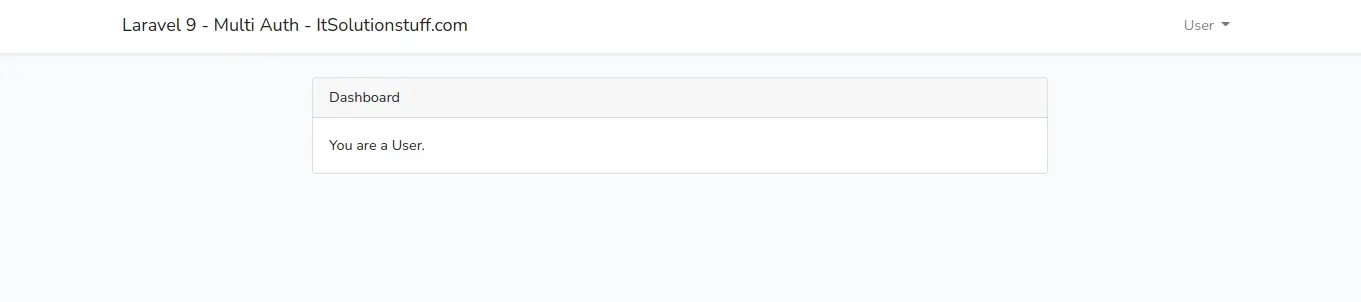
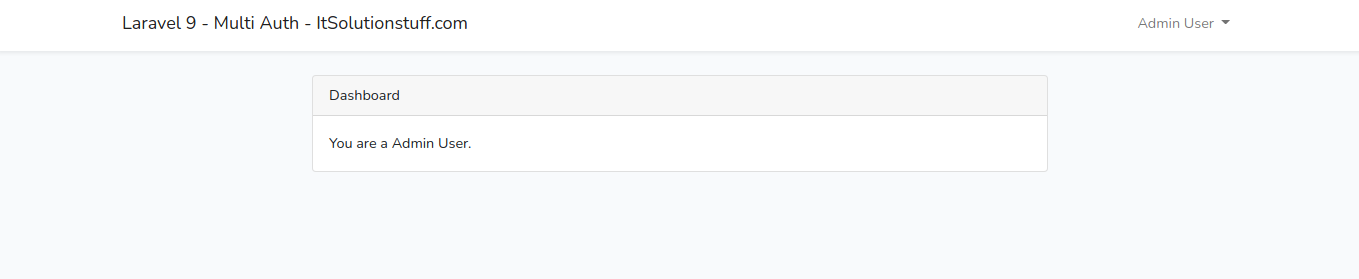
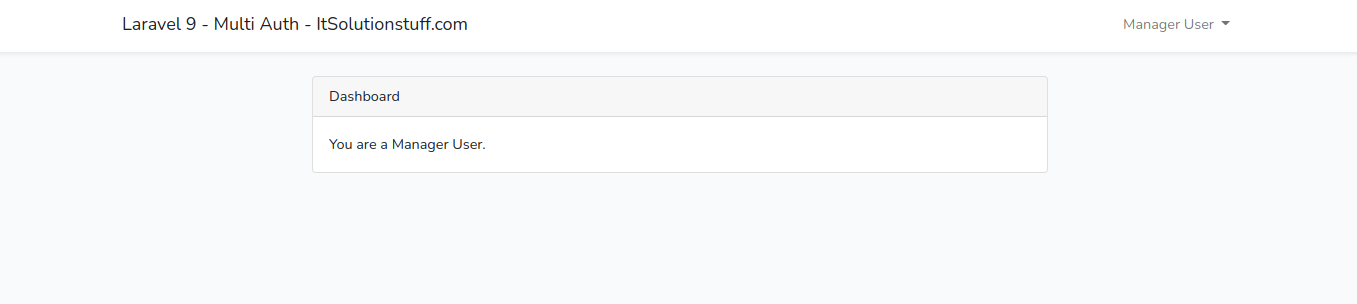
Now, Let's login with following credentials:
Normal User:
Admin User:
Manager User:
Read Also: Laravel 9 REST API with Passport Authentication Tutorial
I hope it can help you...
Last updated