
Laravel 9 Ajax Image Upload Example
https://www.itsolutionstuff.com/post/laravel-9-ajax-image-upload-exampleexample.html
Hi Dev,
This article goes in detail on laravel 9 ajax image upload. you will learn laravel 9 ajax image upload with validation tutorial. This tutorial will give you a simple example of how to upload image using ajax in laravel 9. We will look at an example of jquery ajax image upload laravel 9. So, let's follow a few steps to create an example of laravel 9 ajax post image upload.
In this example, we will create "images" table with a name column. Then we will create a form with file input, when you submit it will send the image via jquery ajax request and store the image into the folder and database.
So, let's see simple example and follow below steps:

Step 1: Install Laravel 9
This step is not required; however, if you have not created the laravel app, then you may go ahead and execute the below command:
Step 2: Create Migration and Model
Here, we will create migration for "images" table, let's run bellow command and update code.
database/migrations/2022_02_10_140040_create_images_table.php
Next, run create new migration using laravel migration command as bellow:
Now we will create Image model by using following command:
app/Models/Image.php
Read Also: Laravel 9 CRUD Application Tutorial Example
Step 3: Create Controller
In this step, we will create a new ImageController; in this file, we will add two method index() and store() for render view and store images into folder and database logic.
Let's create ImageController by following command:
next, let's update the following code to Controller File.
app/Http/Controllers/ImageController.php
Store Images in Storage Folder
Store Images in Public Folder
Store Images in S3
Step 4: Create and Add Routes
Furthermore, open routes/web.php file and add the routes to manage GET and POST requests for render view and store image logic.
routes/web.php
Step 5: Create Blade File
At last step we need to create imageUpload.blade.php file and in this file we will create form with file input button and written jquery ajax code. So copy bellow and put on that file.
resources/views/imageUpload.blade.php
Run Laravel App:
All the required steps have been done, now you have to type the given below command and hit enter to run the Laravel app:
Now, Go to your web browser, type the given URL and view the app output:
Read Also: Laravel 9 Clear Cache of Route, View, Config, Event Commands
Output:
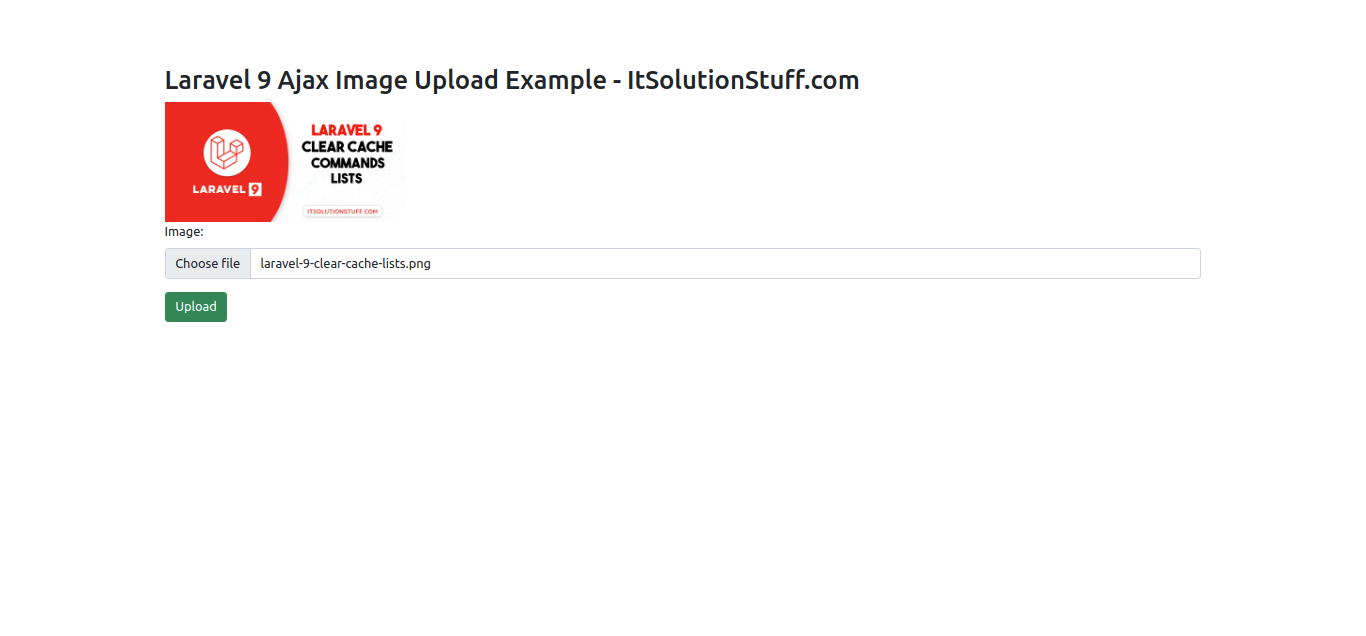
I hope it can help you...
Last updated