
Laravel 9 CRUD Application Tutorial Example
https://www.itsolutionstuff.com/post/laravel-9-crud-application-tutorial-exampleexample.html
Hi All,
In this tutorial, we will cover a laravel 9 crud operation example. Here, we will implement a build a laravel 9 crud application from scratch. I explained simply step by step laravel 9 crud application for beginners. Follow bellow tutorial step of crud operation in laravel 9.
Laravel 9 is just released by yesterday, Laravel 9 gives several new features and LTS support. So if you are new to laravel then this tutorial will help you create an insert update delete application in laravel 9.
In this example, we will create a product crud application using laravel 9. we will create a products table with name and detail column using laravel 9 migration, then we will create routes, controller, view, and model files for the product module. we will use bootstrap 5 for design now. so let's follow the below step to create a crud operation with laravel 9.

Step 1: Install Laravel 9
Let us begin the tutorial by installing a new laravel 9 application. if you have already created the project, then skip following step.
Step 2: Database Configuration
In second step, we will make database configuration, we need to add database name, mysql username and password. So let's open .env file and fill all details like as bellow:
.env
Read Also: Laravel 9 Form Validation Tutorial Example
Step 3: Create Migration
Here, we will create "products" table using laravel migration. so let's use following command to create migration file.
After this command you will find one file in the following path "database/migrations" and you have to put bellow code in your migration file for creating the products table.
Now you have to run this migration by the following command:
Step 4: Create Controller and Model
In this step, now we should create new resource controller as ProductController. So run bellow command and create new controller. bellow controller for create resource controller.
After the bellow command, you will find a new file in this path "app/Http/Controllers/ProductController.php".
In this controller will create seven methods by default as bellow methods:
1)index()
2)create()
3)store()
4)show()
5)edit()
6)update()
7)destroy()
So, let's copy bellow code and put on ProductController.php file.
app/Http/Controllers/ProductController.php
Ok, so after run bellow command you will find "app/Models/Product.php" and put bellow content in Product.php file:
app/Models/Product.php
Step 5: Add Resource Route
Here, we need to add resource route for product crud application. so open your "routes/web.php" file and add following route.


routes/web.php
Step 6: Add Blade Files
In last step. In this step we have to create just blade files. So mainly we have to create layout file and then create new folder "products" then create blade files of crud app. So finally you have to create following bellow blade file:
1) layout.blade.php
2) index.blade.php
3) create.blade.php
4) edit.blade.php
5) show.blade.php
 So let's just create following file and put bellow code.
resources/views/products/layout.blade.php
resources/views/products/index.blade.php
resources/views/products/create.blade.php
resources/views/products/edit.blade.php
resources/views/products/show.blade.php
Run Laravel App:
All the required steps have been done, now you have to type the given below command and hit enter to run the Laravel app:
Now, Go to your web browser, type the given URL and view the app output:
Read Also: Laravel 9 Import Export Excel and CSV File Tutorial
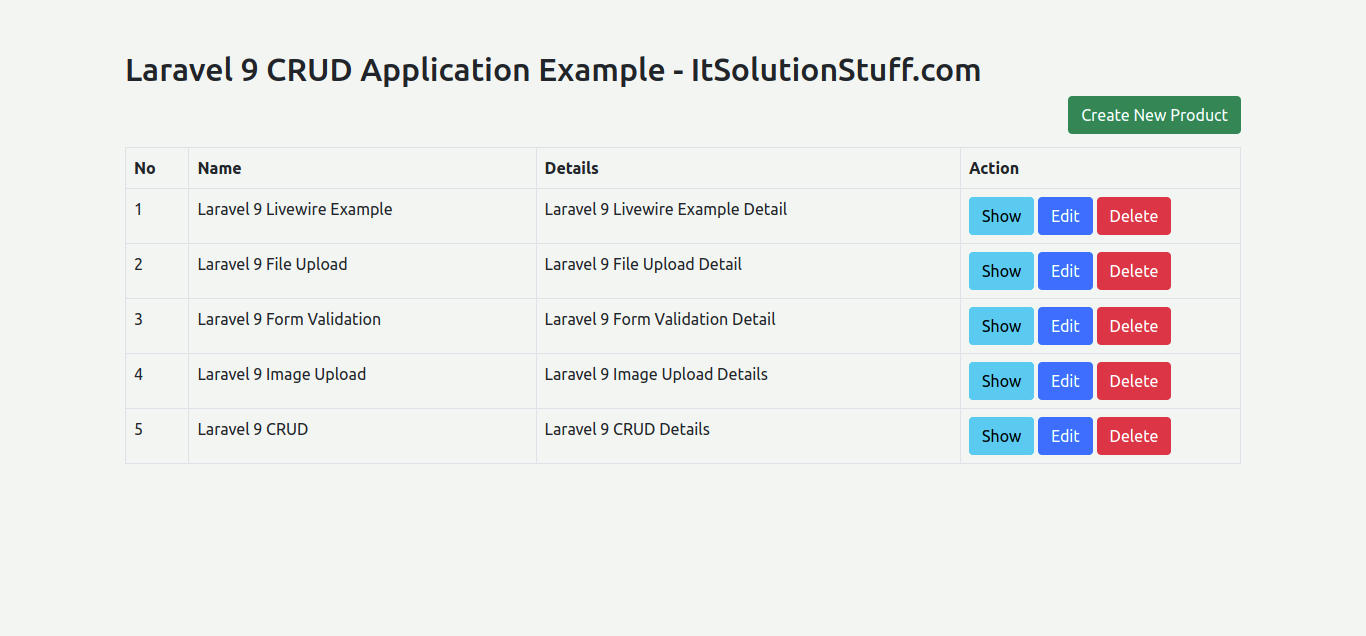
You will see layout as like bellow:
List Page:
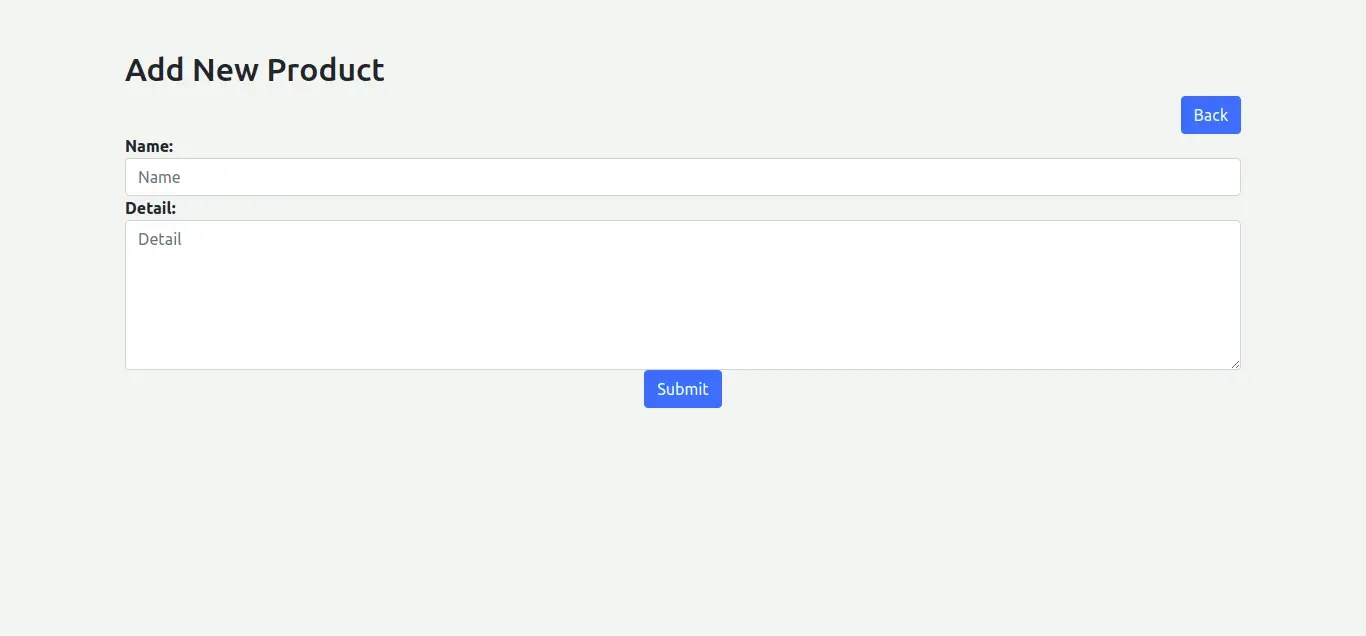
Add Page:
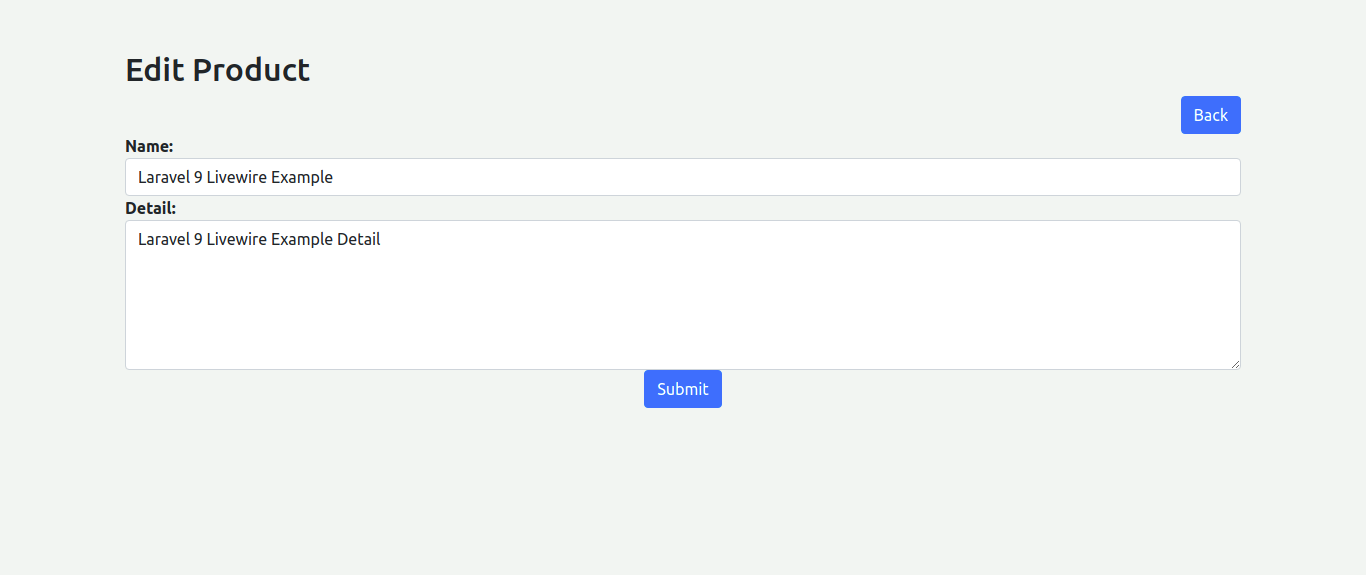
Edit Page:
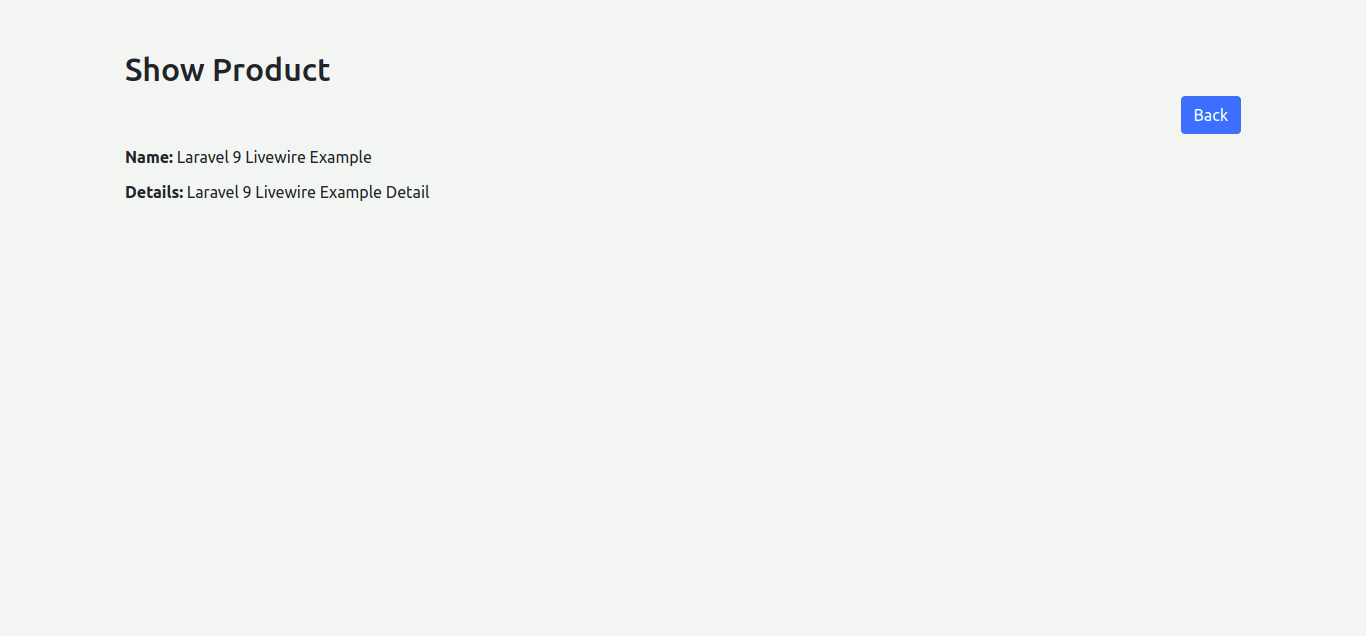
Show Page:
You can download code from git: Download Code from Github
I hope it can help you...
Last updated