By Hardik Savani March 6, 2021 Category : LaravelPlayUnmuteLoaded: 1.15%FullscreenNow, let's see tutorial of razorpay payment gateway integration in laravel. it's simple example of laravel razorpay pay example. Here you will learn laravel razorpay integration. I’m going to show you about razorpay integration in laravel. you will do the following things for razorpay api integration in laravel.
you can easily integrate razorpay payment gateway in laravel 6, laravel 7, laravel 8 and laravel 9 app.
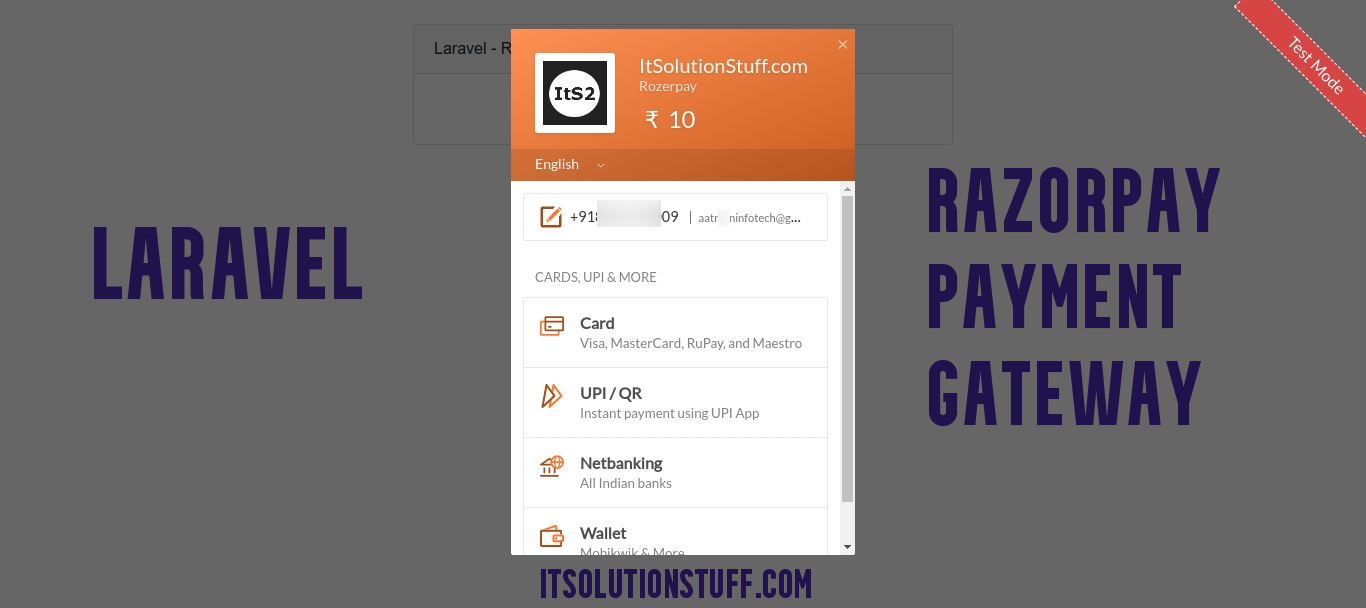
razorpay payment gateway is for india. they provide lot's of option like credit card, debit card, UPI, phone pay, google pay, paytm payment option to do payment of user. so if you want to implement razorpay integration in your laravel app then you can do it by following bellow few steps. you can see bellow preview too:
Preview:
Step 1: Install Laravel
first of all we need to get fresh Laravel version application using bellow command, So open your terminal OR command prompt and run bellow command:
Step 2: Create Razorpay Account
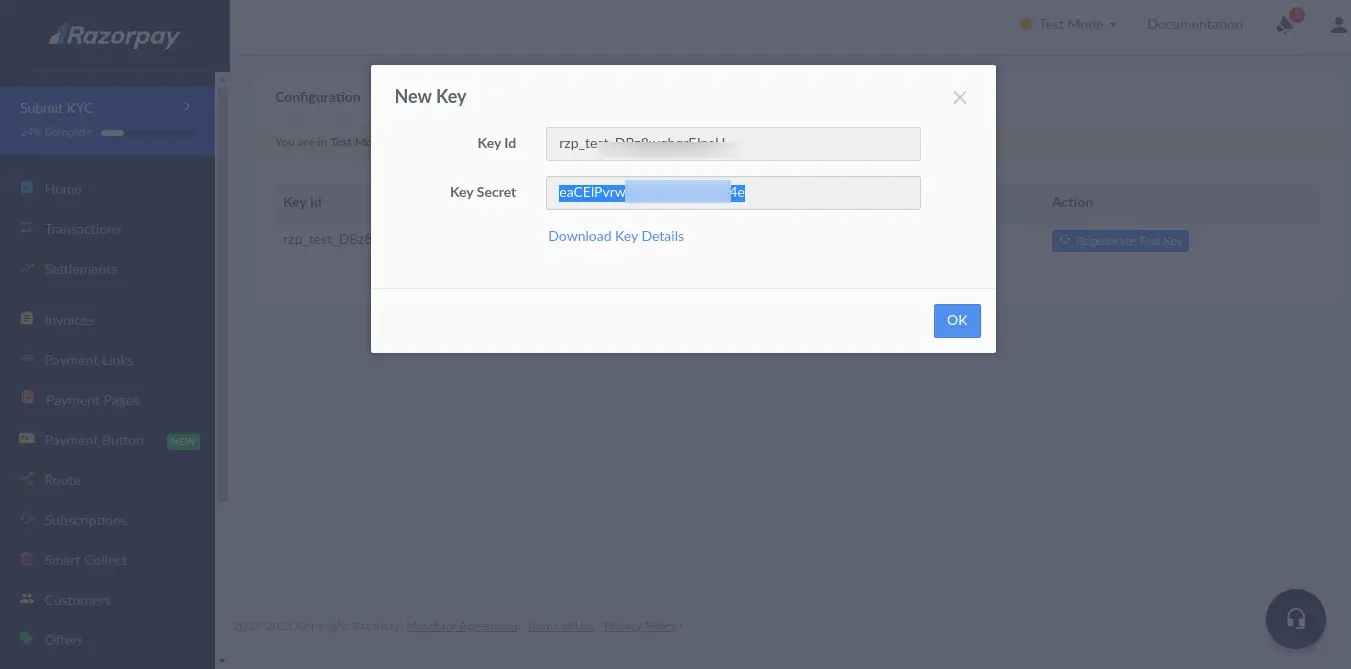
First you need to create account on razorpay. then you can easily get account key id and key secret.
<?php use Illuminate\Support\Facades\Route; use App\Http\Controllers\RazorpayPaymentController; /*|--------------------------------------------------------------------------| Web Routes|--------------------------------------------------------------------------|| Here is where you can register web routes for your application. These| routes are loaded by the RouteServiceProvider within a group which| contains the "web" middleware group. Now create something great!|*/ Route::get('razorpay-payment', [RazorpayPaymentController::class, 'index']);Route::post('razorpay-payment', [RazorpayPaymentController::class, 'store'])->name('razorpay.payment.store');
<?php namespace App\Http\Controllers; use Illuminate\Http\Request;use Razorpay\Api\Api;use Session;use Exception; class RazorpayPaymentController extends Controller{ /** * Write code on Method * * @return response() */ public function index() { return view('razorpayView'); } /** * Write code on Method * * @return response() */ public function store(Request $request) { $input = $request->all(); $api = new Api(env('RAZORPAY_KEY'), env('RAZORPAY_SECRET')); $payment = $api->payment->fetch($input['razorpay_payment_id']); if(count($input) && !empty($input['razorpay_payment_id'])) { try { $response = $api->payment->fetch($input['razorpay_payment_id'])->capture(array('amount'=>$payment['amount'])); } catch (Exception $e) { return $e->getMessage(); Session::put('error',$e->getMessage()); return redirect()->back(); } } Session::put('success', 'Payment successful'); return redirect()->back(); }}

 PlayUnmuteLoaded: 1.15%Fullscreen
 Now, let's see tutorial of razorpay payment gateway integration in laravel. it's simple example of laravel razorpay pay example. Here you will learn laravel razorpay integration. I’m going to show you about razorpay integration in laravel. you will do the following things for razorpay api integration in laravel.