By Hardik Savani October 4, 2017 Category : PHP Laravel BootstrapPauseUnmuteLoaded: 1.01%FullscreenAre you want to make full text search in your laravel 5.5 application ?, If Yes then you are a right place. In this post i am going to share with you how to create full text search using "nicolaslopezj/searchable" composer package in laravel 5, laravel 6, laravel 7, laravel 8 and laravel 9.
In real field we almost require to create full text search like if you have users table and there are several columns like id, first name, last name, email, address, city etc. So if you search just "a" then if should filter with all the columns. So it's like just run simple query with search, it should work like datatables search. So don't worry about it here you will see full example of full text search from here.
In this example i am going to use "nicolaslopezj/searchable" composer package for full text search. they provide several other feature you can use on guide line, now here we will make simple example. So let's just follow bellow step.
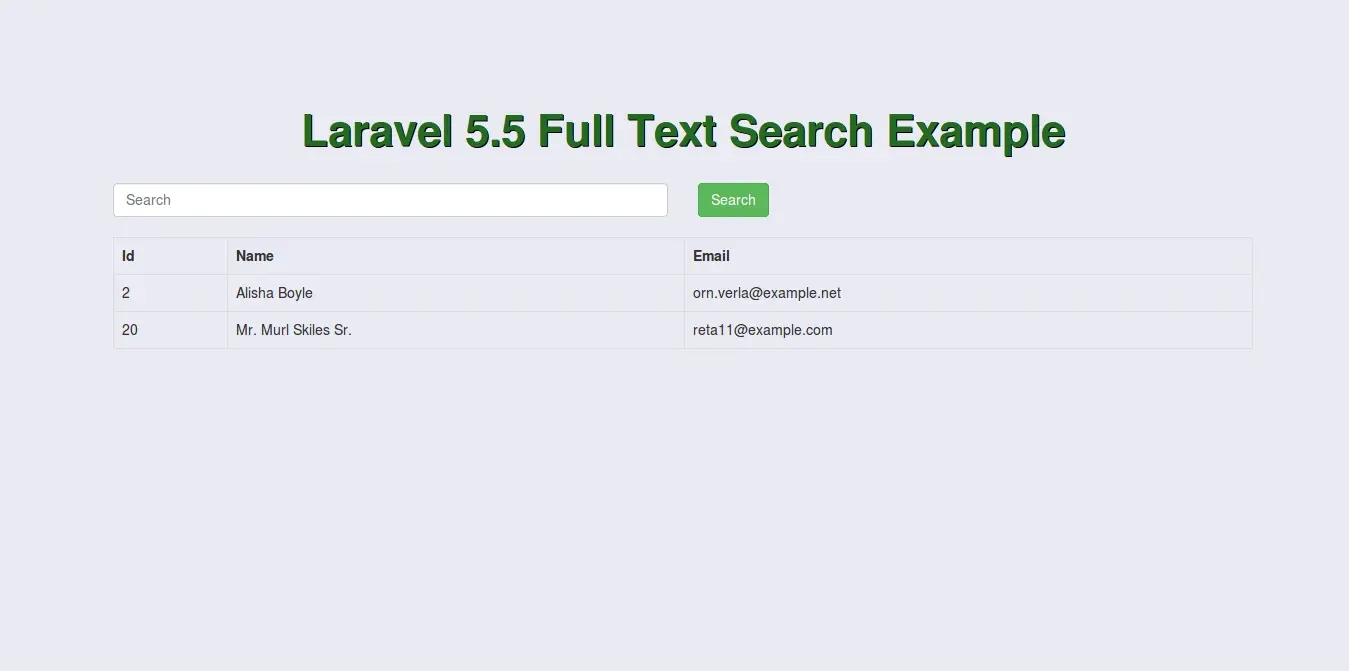
Preview:
Step 1: Install Package
first thing is that we have to install "nicolaslopezj/searchable" composer package, so let's run bellow command for it.
Step 2: Package Setup
In this step, if i am not wrong we have default table "users" created with it's model. So, we have to simple add SearchableTrait on user model. So let's add SearchableTrait as like following:

 PauseUnmuteLoaded: 1.01%Fullscreen
 Are you want to make full text search in your laravel 5.5 application ?, If Yes then you are a right place. In this post i am going to share with you how to create full text search using "nicolaslopezj/searchable" composer package in laravel 5, laravel 6, laravel 7, laravel 8 and laravel 9.