> For the complete documentation index, see [llms.txt](https://learnphp.gitbook.io/learnphp/llms.txt). Markdown versions of documentation pages are available by appending `.md` to page URLs; this page is available as [Markdown](https://learnphp.gitbook.io/learnphp/laravel-advanced/how-to-install-and-use-font-awesome-icons-in-laravel.md).
# How to Install and Use Font Awesome Icons in Laravel?
## How to Install and Use Font Awesome Icons in Laravel?
By Hardik Savani June 11, 2020 Category : LaravelPlayUnmuteLoaded: 1.00%Fullscreen[](https://vdo.ai/?utm_medium=video\&utm_term=itsolutionstuff.com\&utm_source=vdoai_logo)[](https://go.ezodn.com/ads/charity/proxy?p_id=713e18d0-31ea-401a-4b70-fe4633fc427e\&d_id=77568\&imp_id=9013036426764081\&c_id=1079\&l_id=10016\&url=https%3A%2F%2Fwww.directrelief.org%2Femergency%2Fukraine-crisis%2F\&ffid=1\&co=VN)In this tute, we will discuss how to install font awesome in laravel. if you have question about how to use fontawesome in laravel then i will give simple example with solution. i explained simply about install font awesome laravel 7. you can see install font awesome in laravel.
In this example, i will show you step by step how to install font awesome icons in laravel mix. i will give you two example of installing font awesome in laravel. one will be using npm command using laravel mix and another example will using cdn js.
You can easily use font awesome icon in laravel 6, laravel 7, laravel 8 and laravel 9 version. so let's see bellow step be step process.
**1) Install Using Npm**
first, we will install laravel fresh version. so let's run bellow command:
```
composer create-project --prefer-dist laravel/laravel blog
```
Now, we need to install npm in our new laravel application. so let's simply run bellow command. this command will create "mode\_modules" folder in your root directory and store all npm module there.
```
npm install
```
After that we need to install font awesome library using bellow npm command. so let's run bellow command:
```
npm install font-awesome --save
```
After install successfully, we need to import font awesome css on app.scss file. so let's import as bellow:
resources/sass/app.scss
```
@import "node_modules/font-awesome/scss/font-awesome.scss";
```
Now we are ready to run npm dev command, so let's run bellow command:
```
npm run dev
```
Here, we will use generated app.css file in our blade file as bellow:
resources/views/welcome.blade.php
```
How to use font awesome in Laravel? - ItSolutionStuff.com
How to use font awesome in Laravel? - ItSolutionStuff.com
```
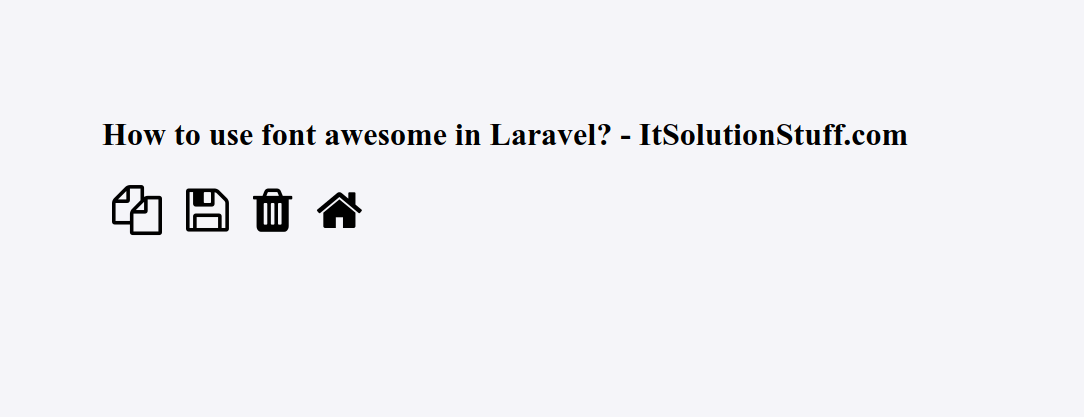
Now you can run your application and see on home page. You will get layout as bellow:
**2) Install Using CDNJS**
here, we will use cdn js file for adding font awesome icons, so let see bellow file code:
resources/views/welcome.blade.php
Read Also: [How to Use Bootstrap WYSIHTML5 Editor in Laravel?](https://www.itsolutionstuff.com/post/how-to-use-bootstrap-wysihtml5-editor-in-laravelexample.html)
```
How to use font awesome in Laravel? - ItSolutionStuff.com
How to use font awesome in Laravel? - ItSolutionStuff.com
```
I hope it can help you...
Tags :
* [Laravel](https://www.itsolutionstuff.com/tag/laravel.html)