
Laravel 7/6 REST API with Passport Tutorial
https://www.itsolutionstuff.com/post/laravel-6-rest-api-with-passport-tutorialexample.html
Laravel 7/6 REST API with Passport Tutorial
By Hardik Savani October 12, 2019 Category : Laravel PauseUnmuteLoaded: 5.86%Fullscreen
 Hi Developer,
Here, i will tech you how to create rest api with authentication using passport in laravel 7/6 application. i will show you step by step build restful api authentication using eloquent api resources in laravel 7/6. you can easily learn rest api for crud module with authentication in laravel 7/6.
Rest API is must be use when you are working with mobile application. when your application is prefer for web app and mobile app than you must have to create api for your mobile development.
However, Laravel provide easy way to create api. if you have authentication in your mobile app than you can easily do it using passport. Laravel 6 Passport provide way to create auth token for validating users.
So you also want to create rest api for your mobile application than you can follow this tutorial for how to create rest api step by step with laravel 6. If you are new than don't worry about that i written tutorial step by step.

Follow bellow few steps to create restful api example in laravel 6 app.
Step 1: Install Laravel 6
I am going to explain step by step from scratch so, we need to get fresh Laravel 6 application using bellow command, So open your terminal OR command prompt and run bellow command:
Step 2: Use Passport
In this step we need to install passport via the Composer package manager, so one your terminal and fire bellow command:
After successfully install package, we require to get default migration for create new passport tables in our database. so let's run bellow command.
Next, we need to install passport using command, Using passport:install command, it will create token keys for security. So let's run bellow command:
Read Also: Laravel 6 CRUD Application Tutorial
Step 3: Passport Configuration
In this step, we have to configuration on three place model, service provider and auth config file. So you have to just following change on that file.
In model we added HasApiTokens class of Passport,
In AuthServiceProvider we added "Passport::routes()",
In auth.php, we added api auth configuration.
app/User.php
app/Providers/AuthServiceProvider.php
config/auth.php
Step 4: Add Product Table and Model
next, we require to create migration for posts table using Laravel 6 php artisan command, so first fire bellow command:
After this command you will find one file in following path database/migrations and you have to put bellow code in your migration file for create products table.
After create migration we need to run above migration by following command:
After create "products" table you should create Product model for products, so first create file in this path app/Product.php and put bellow content in item.php file:
app/Product.php
Step 5: Create API Routes
In this step, we will create api routes. Laravel provide api.php file for write web services route. So, let's add new route on that file.
routes/api.php
Step 6: Create Controller Files
in next step, now we have create new controller as BaseController, ProductController and RegisterController, i created new folder "API" in Controllers folder because we will make alone APIs controller, So let's create both controller:
app/Http/Controllers/API/BaseController.php
app/Http/Controllers/API/RegisterController.php
app/Http/Controllers/API/ProductController.php
Step 7: Create Eloquent API Resources
This is a very important step of creating rest api in laravel 6. you can use eloquent api resources with api. it will helps you to make same response layout of your model object. we used in ProductController file. now we have to create it using following command:
Now there created new file with new folder on following path:
app/Http/Resources/Product.php
Now we are ready to to run full restful api and also passport api in laravel. so let's run our example so run bellow command for quick run:
make sure in details api we will use following headers as listed bellow:
Read Also: Laravel 7/6 Multi Auth (Authentication) Tutorial
Here is Routes URL with Verb:
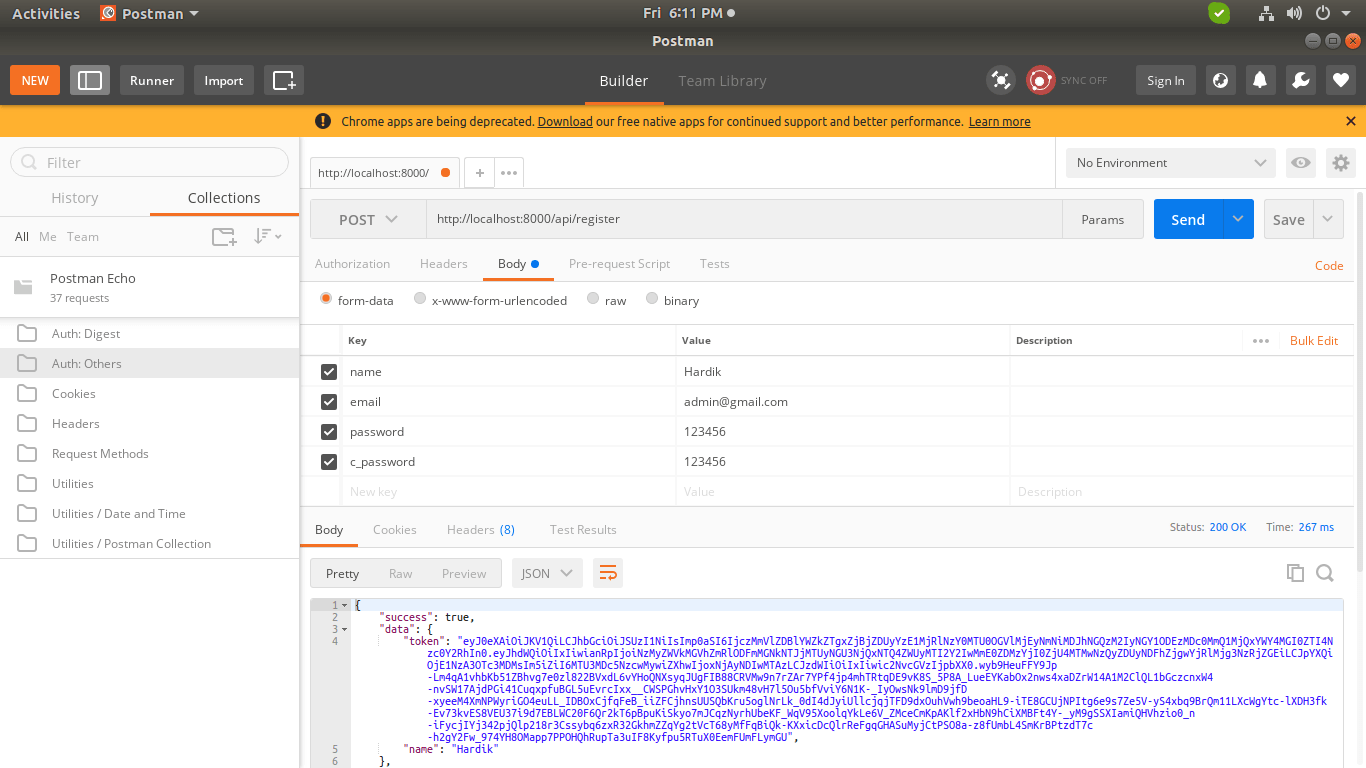
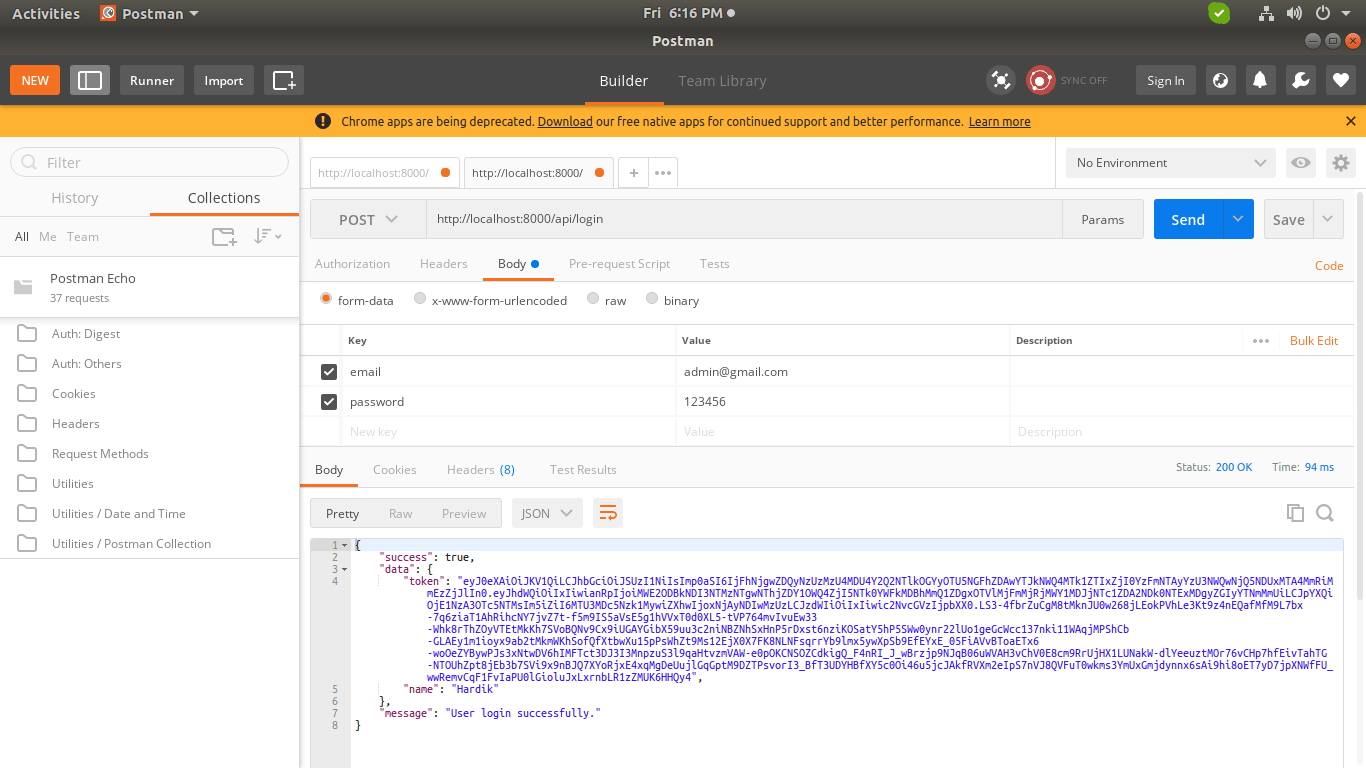
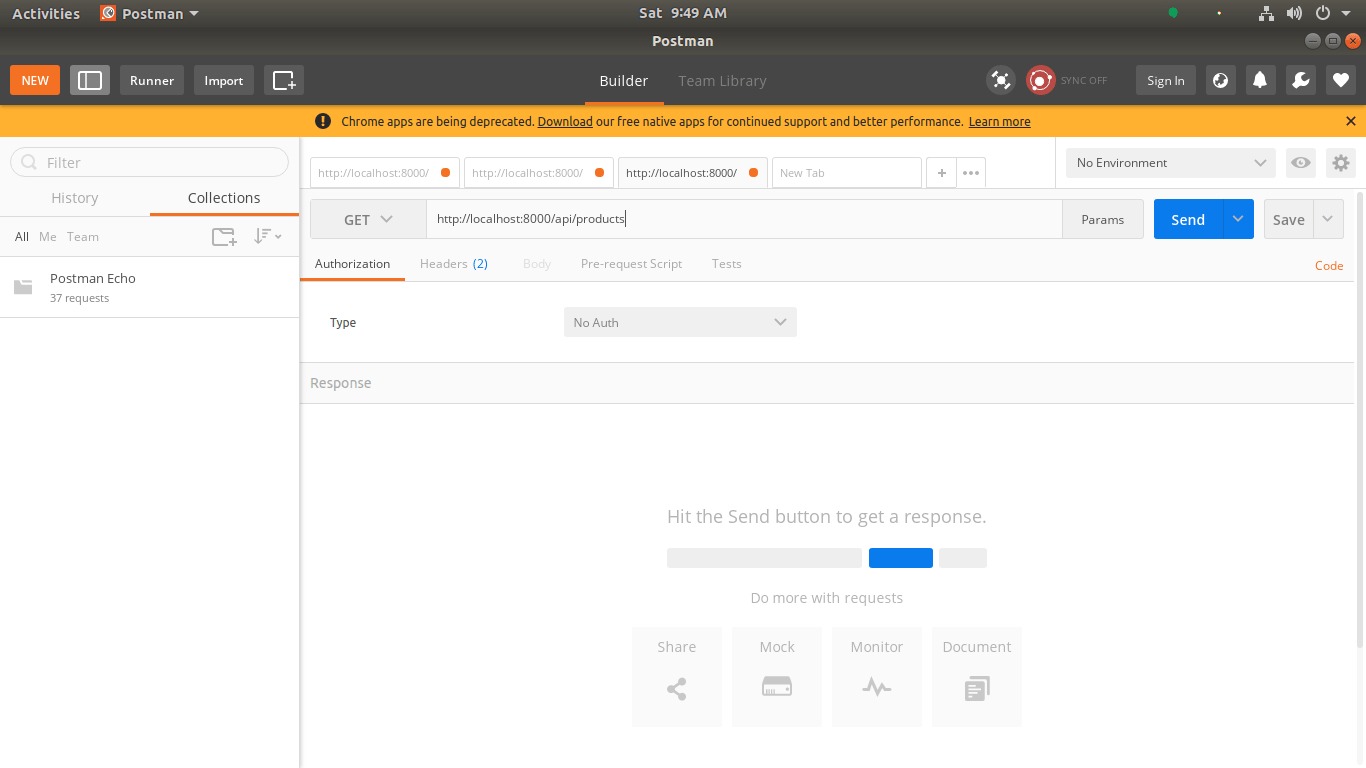
Now simply you can run above listed url like as bellow screen shot:
1) Register API: Verb:GET, URL:http://localhost:8000/api/register
2) Login API: Verb:GET, URL:http://localhost:8000/api/login
3) Product List API: Verb:GET, URL:http://localhost:8000/api/products
4) Product Create API: Verb:POST, URL:http://localhost:8000/api/products
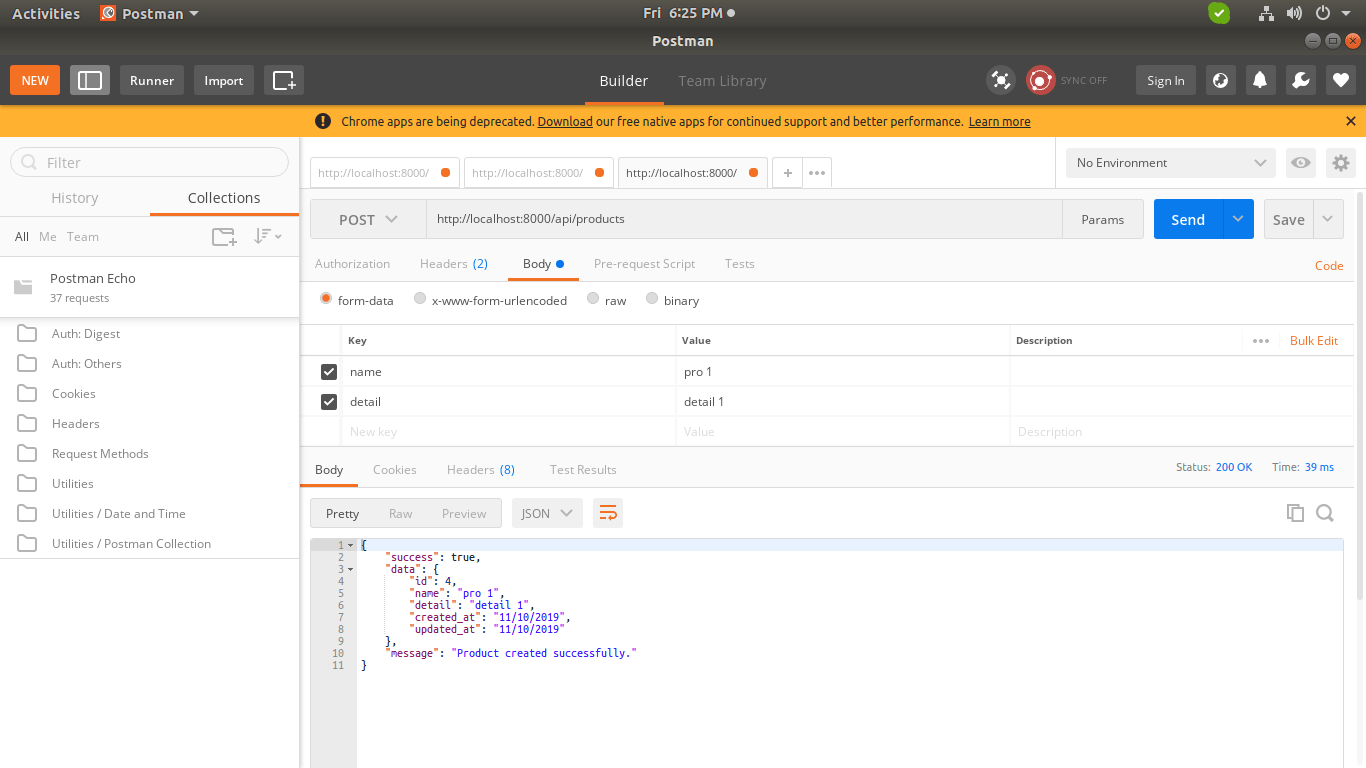
5) Product Show API: Verb:GET, URL:http://localhost:8000/api/products/{id}
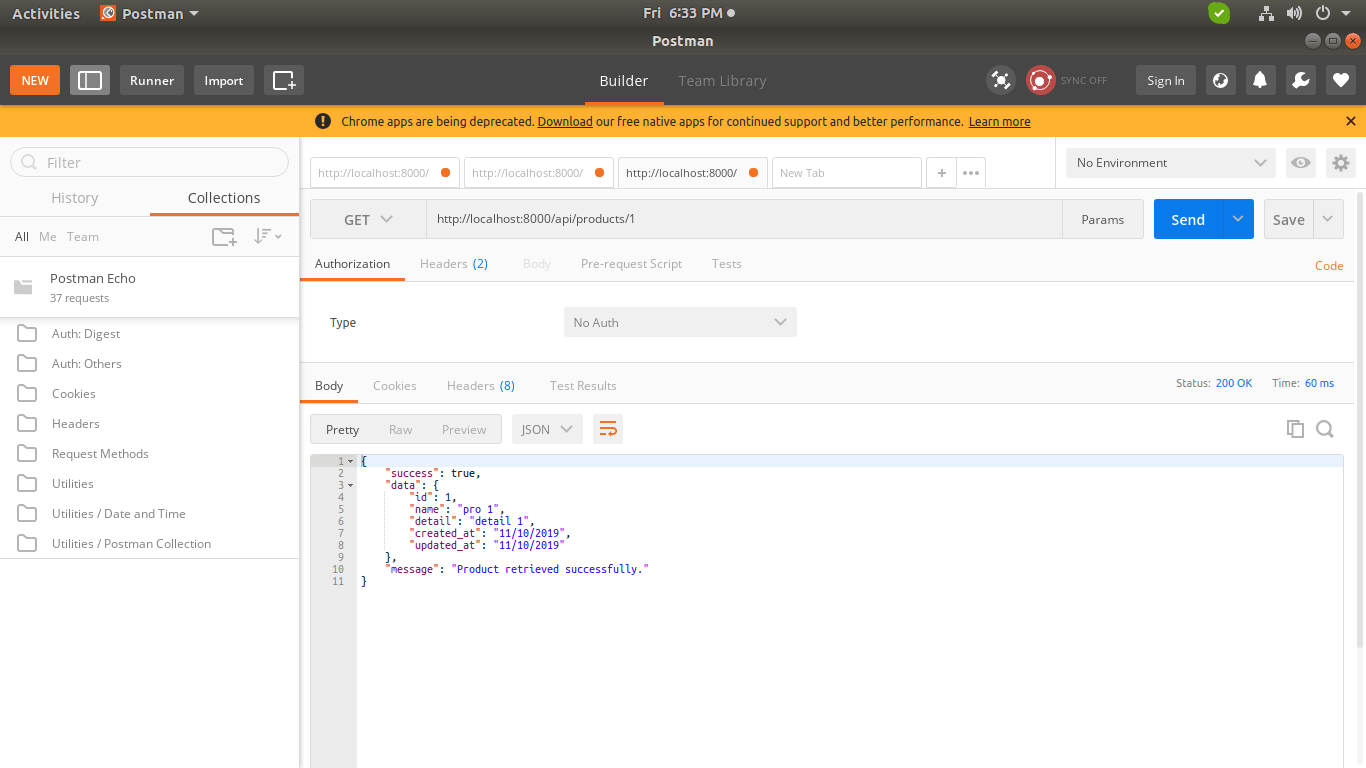
6) Product Update API: Verb:PUT, URL:http://localhost:8000/api/products/{id}
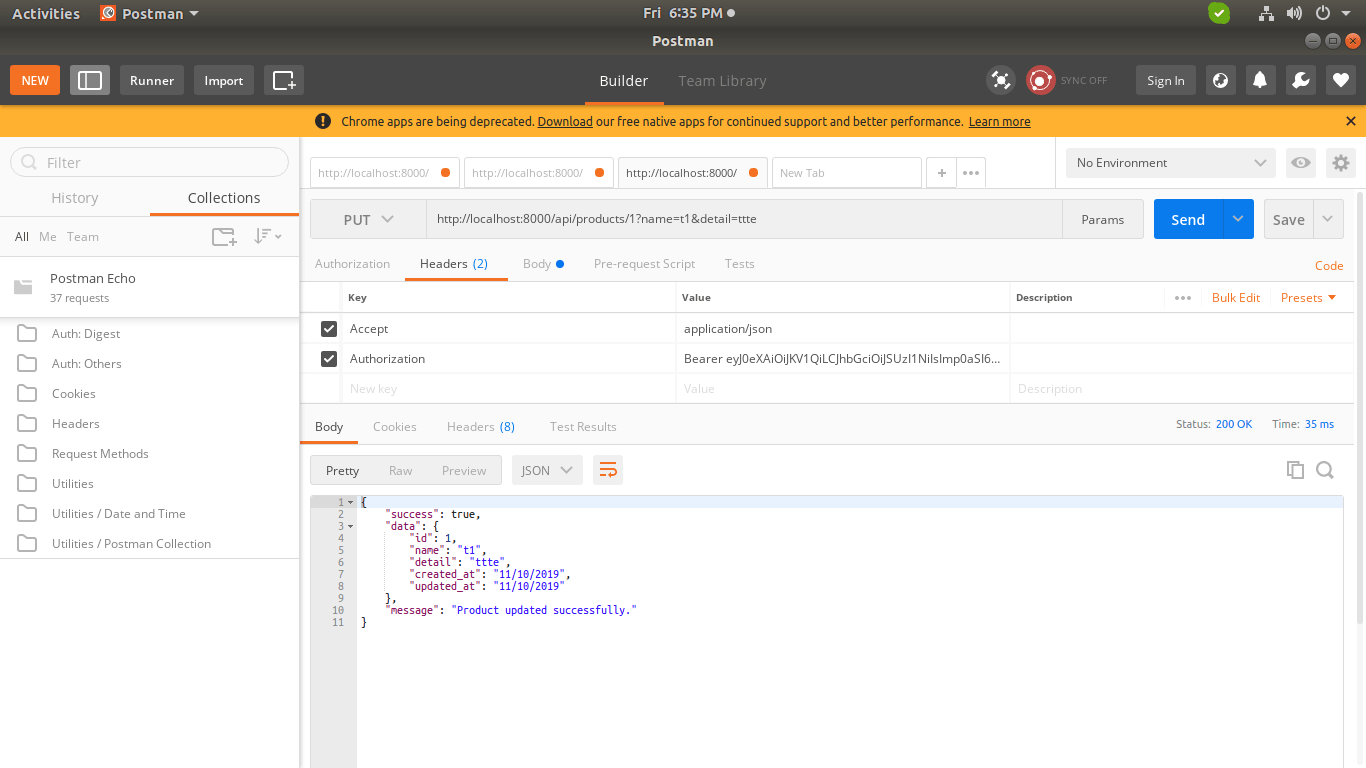
7) Product Delete API: Verb:DELETE, URL:http://localhost:8000/api/products/{id}
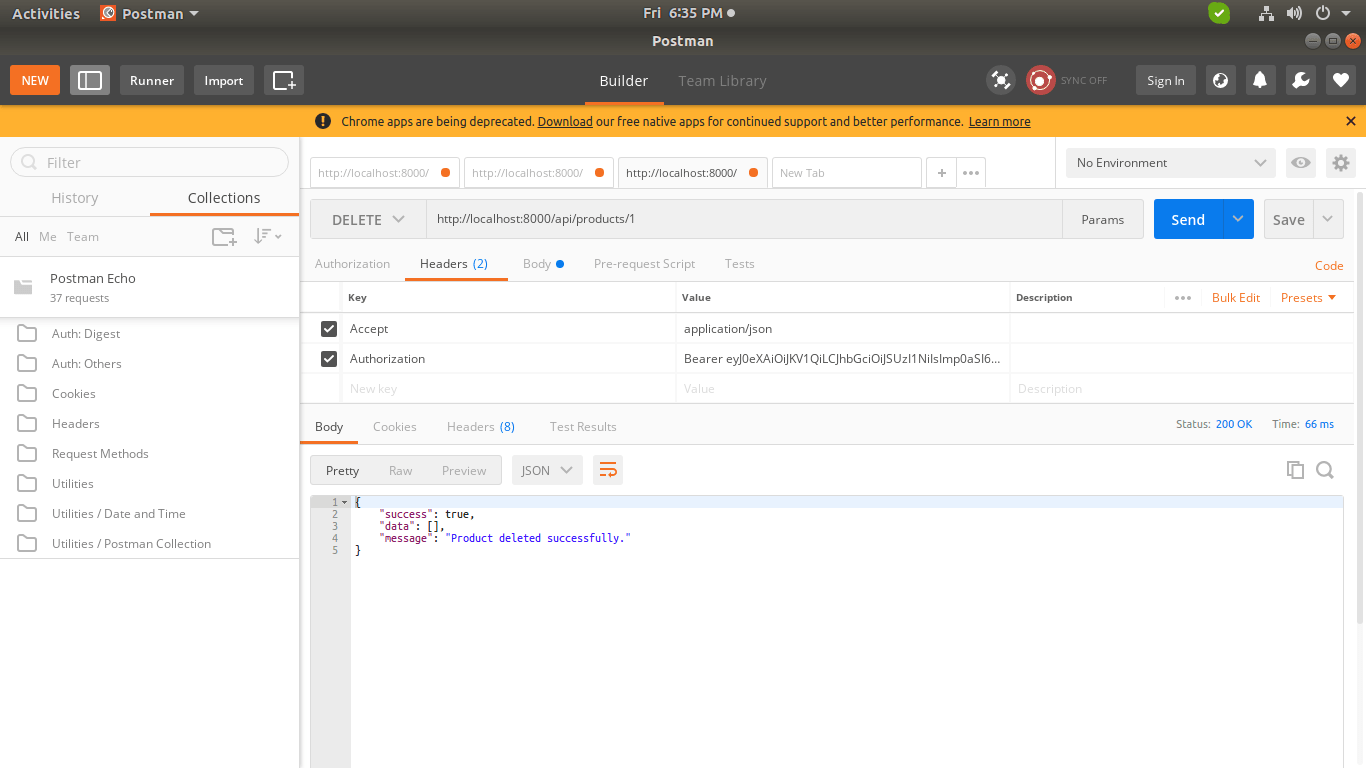
You can download code from git: Download Code from Github
I hope it can help you...
Last updated