By Hardik Savani July 15, 2021 Category : LaravelPauseUnmuteLoaded: 2.85%FullscreenHi,
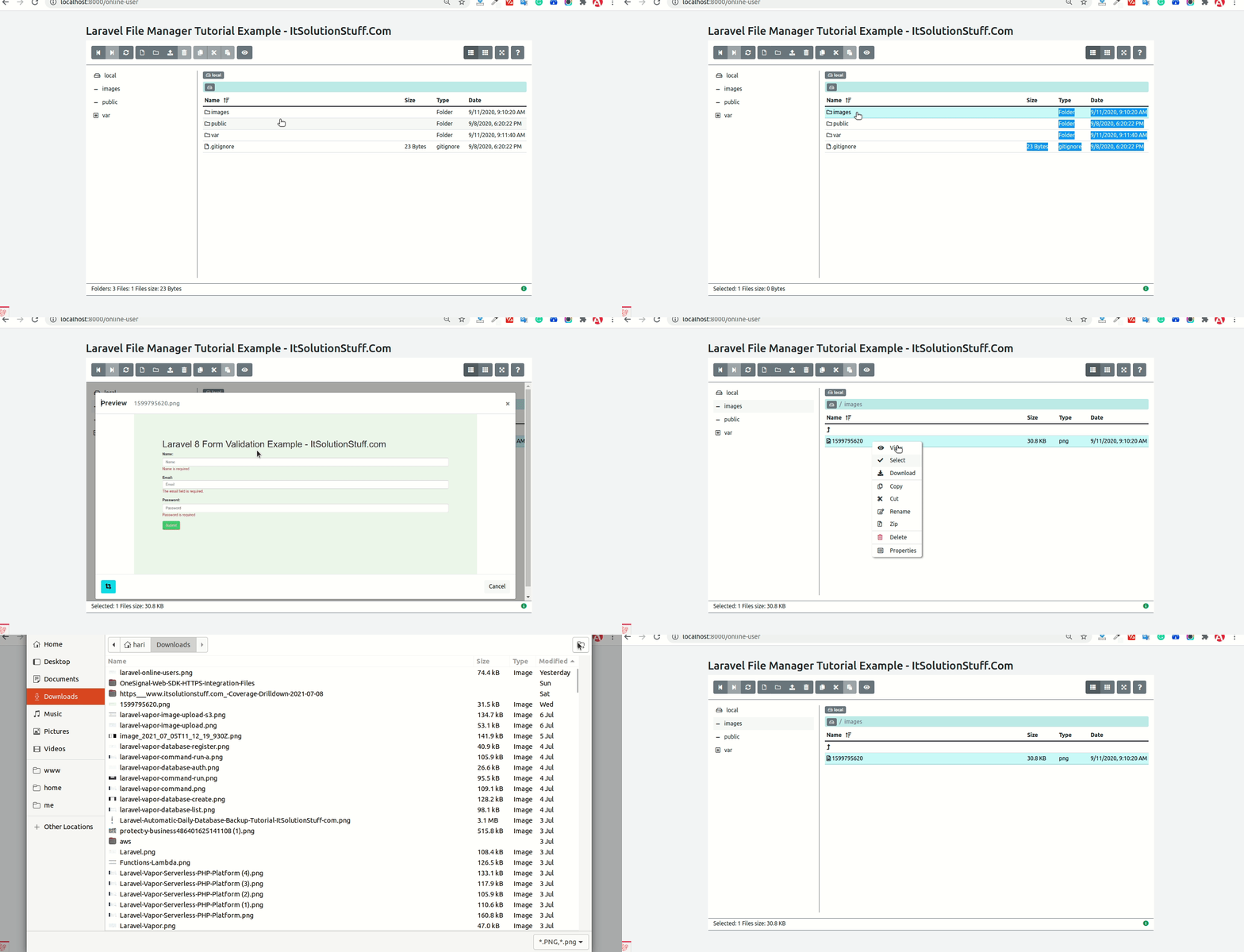
I am going to explain you example of laravel file manager example. this example will help you laravel file manager tutorial. This post will give you simple example of laravel simple file manager. We will use laravel filemanager using alexusmai/laravel-file-manager.
In this tutorial, i will give you simple example of how to install file manager in laravel app using alexusmai/laravel-file-manager composer package. you can easily use this example with laravel 6, laravel 7, laravel 8 and laravel 9.
Sometime we need to use file manager for public upload folder or storage folder so you can view file, download file, upload file, create folder, delete file etc. so let's follow bellow step.
<?php use Illuminate\Support\Facades\Route; use App\Http\Controllers\FileManagerController; /*|--------------------------------------------------------------------------| Web Routes|--------------------------------------------------------------------------|| Here is where you can register web routes for your application. These| routes are loaded by the RouteServiceProvider within a group which| contains the "web" middleware group. Now create something great!|*/Route::get('filemanager', [FileManagerController::class, 'index']);
<?php namespace App\Http\Controllers; use Illuminate\Http\Request; class FileManagerController extends Controller{ /** * Display a listing of the resource. * * @return \Illuminate\Http\Response */ public function index(Request $request) { return view('filemanager'); }}

 PauseUnmuteLoaded: 2.85%Fullscreen
 Hi,
Hi,